April 21st, 2025

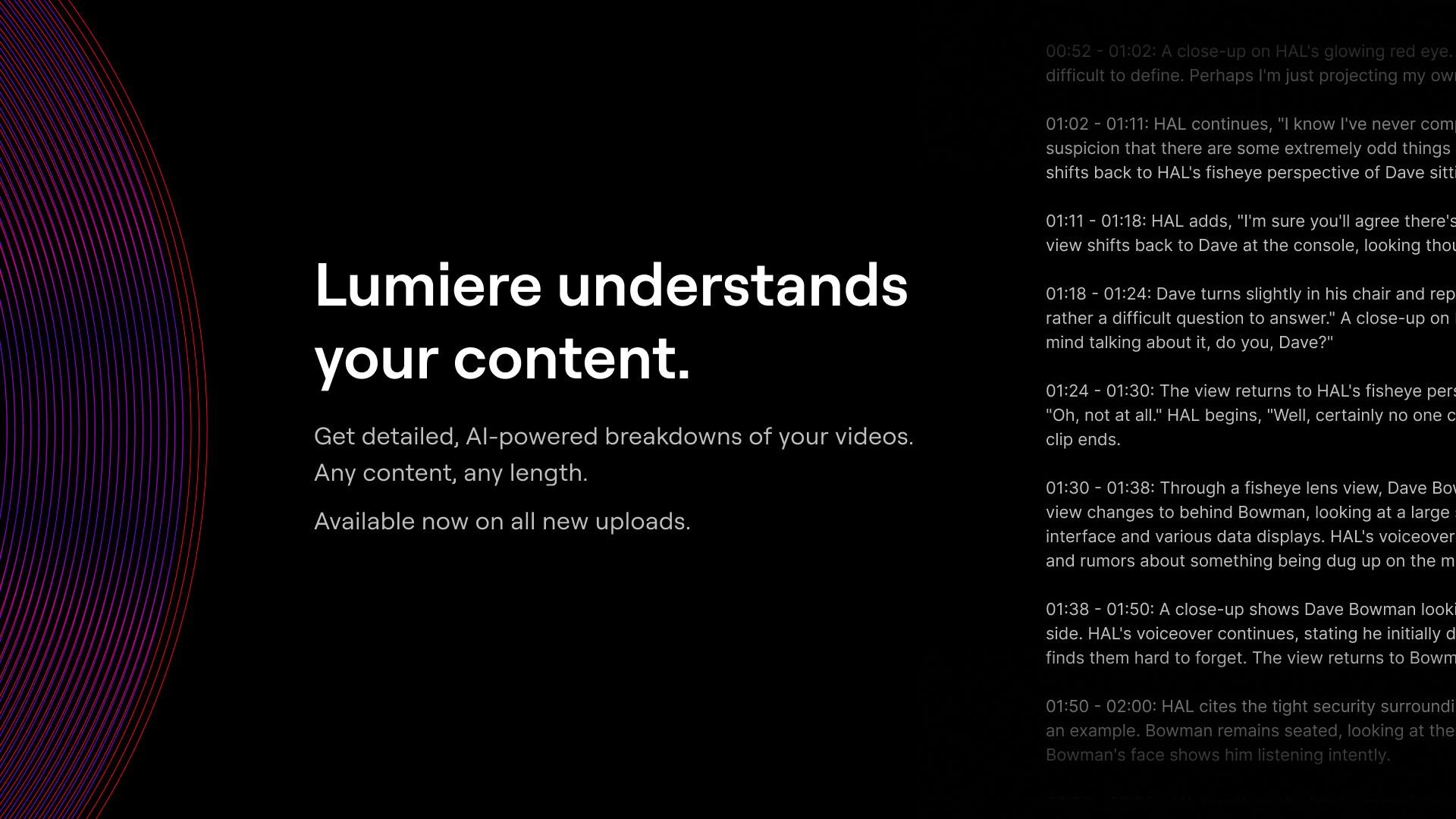
We’re thrilled to announce that AI-powered video analysis is now available directly in Lumiere!
No matter the type or length of your content, Lumiere now automatically generates detailed moment-to-moment breakdowns of your videos. Dive deeper into your content, discover hidden insights, and elevate your video experience.
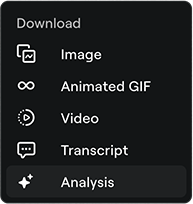
Once Lumiere has fully decoded your video, you’ll be able to download an analysis file from the video’s Insights page.
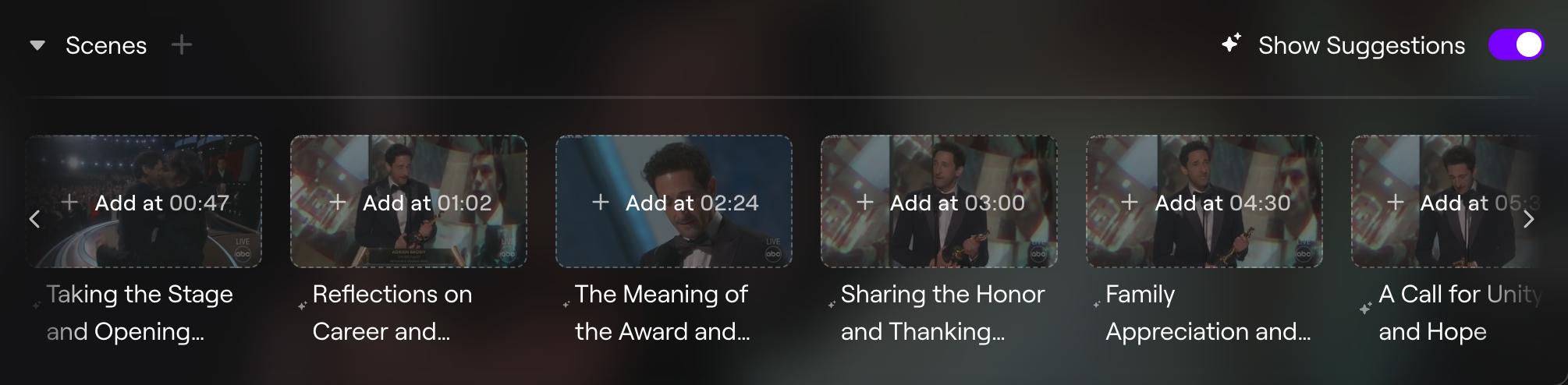
We're already cooking up exciting new features to fully leverage these capabilities (more on that soon) - and starting today, you'll notice smarter, more insightful scene suggestions for your new video uploads.

April 2nd, 2025

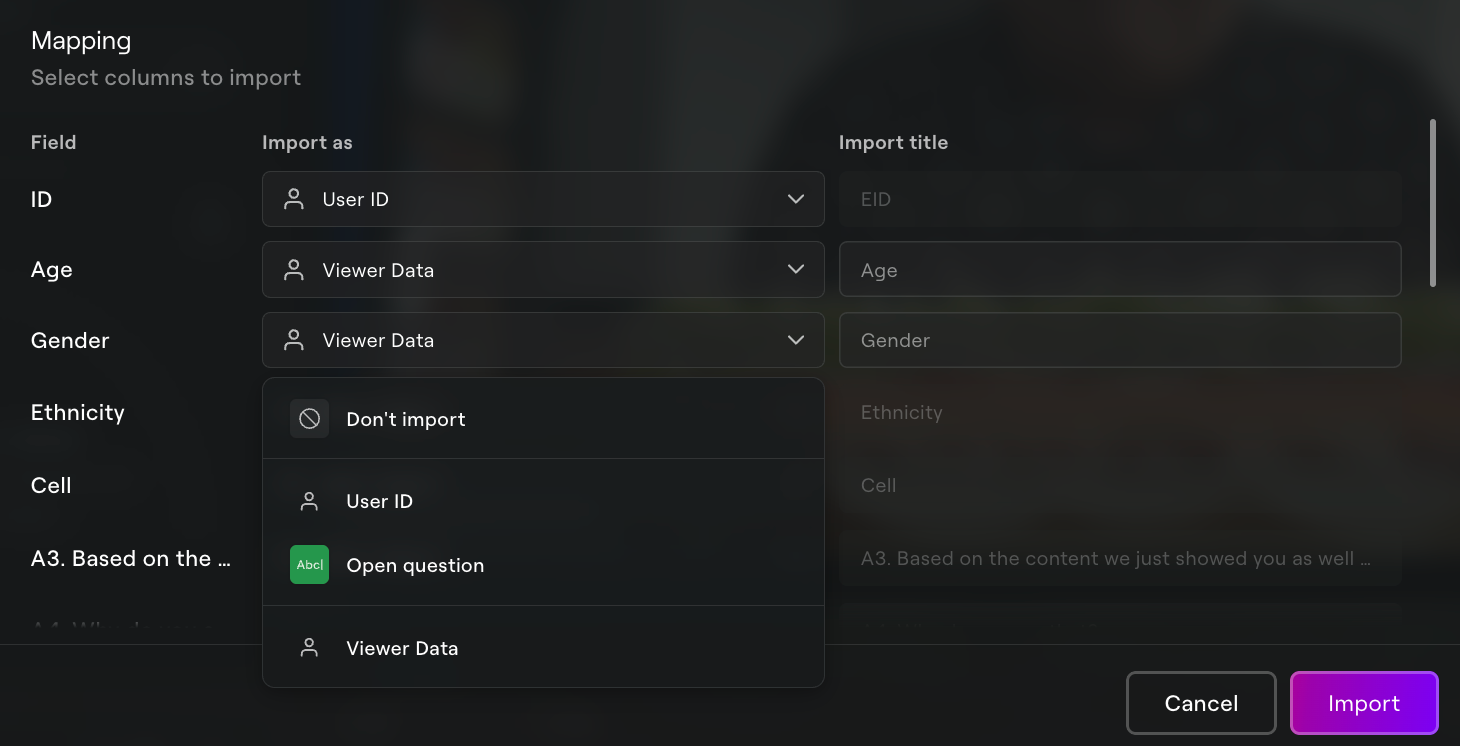
You can now bring in your own viewer information from other places and use it as filters in Lumiere dashboards. From any Insights page, just upload your viewer data file using the import workflow and identify viewer data fields using the new "Viewer Data" option. We’ll automatically match your data to existing viewer records and turn those new properties into filters, making it easy to drill into different segments of viewers using your own criteria.
You can even import viewer data and questions from the same file at the same time. Just map your fields as needed and Lumiere will do the rest!

If you have many viewers or are importing a lot of data, it might take a while. Don’t worry - we’ll let you know when it’s done!
March 26th, 2025

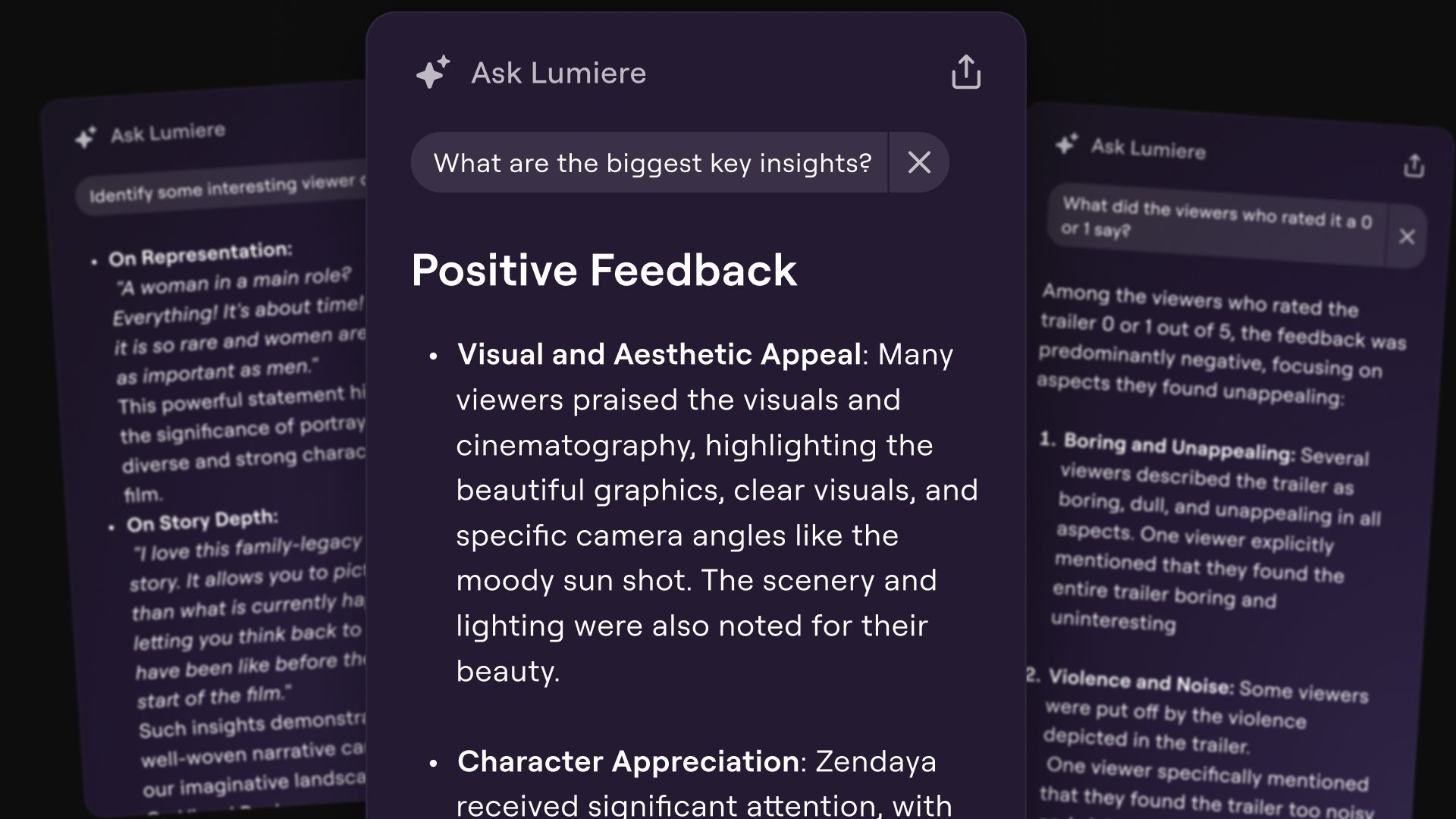
In dashboards summaries, you can now ask questions about the data that's being summarized. Dive deeper into you viewers’ comments & conversations. What were the most insightful comments? What did viewers who left a high rating talk about? How did viewers react when the product was shown?
The speed and reliability of data imports has been greatly improved. Bring 10 or 1,000 records into Lumiere in just a few seconds… then use the new Ask Lumiere feature to talk directly to your imported data!
October 30th, 2024
Filter options can be modified again without having to recreate the whole filter. (link)
HTML tags are no longer shown in channel section names (link)
Translations for viewer UI labels have been updated for German, Spanish, French, Italian, Korean, Portuguese and Japanese in both single video & channel experiences.
October 10th, 2024

You can now bring external data into your Lumiere video dashboards. Imported data will get the same analysis and visualization treatment that native Lumiere data gets!
From any video dashboard, use the (…) menu at the bottom left to access the new “Import Data” function.

At the moment, only
.csvfiles are accepted.
Then choose which columns you want to import from the file (and how). You can map external data to a handful of Lumiere question types - and the types you choose will affect how the data is processed and visualized.
When you’re done mapping, hit “Import”. Lumiere will start churning away behind the scenes to bring your data to life. No need to stay on the page during this process.

Be patient! With this beta release, imports can take a while to run and won’t be displayed in your dashboard until they are complete. We expect significant improvements to this process as we work to bring it to maturity.
Imported questions will show up in the “Questions” dashboard page, directly below any native Lumiere questions.

Two other things to note:
Imported questions are visible to shared dashboard visitors.
If you map a column to the “Viewer ID” field, the imported data can be filtered on viewer ids just like any other data in the dashboard.
While the data import feature is in beta, expect to enounter some bugs. Use the in-app feedback tool to let us know if you encounter any issues.
Happy importing! 😊
August 9th, 2024

A new 🌟 Emotions 🌟 output is available on dashboards!
This card shows you which emotions were detected in the video's comments. Soon, you'll be able to filter on them to drill into any emotion and see the related comments.
Emotion detection is only available for videos uploaded after June 1, 2024.